

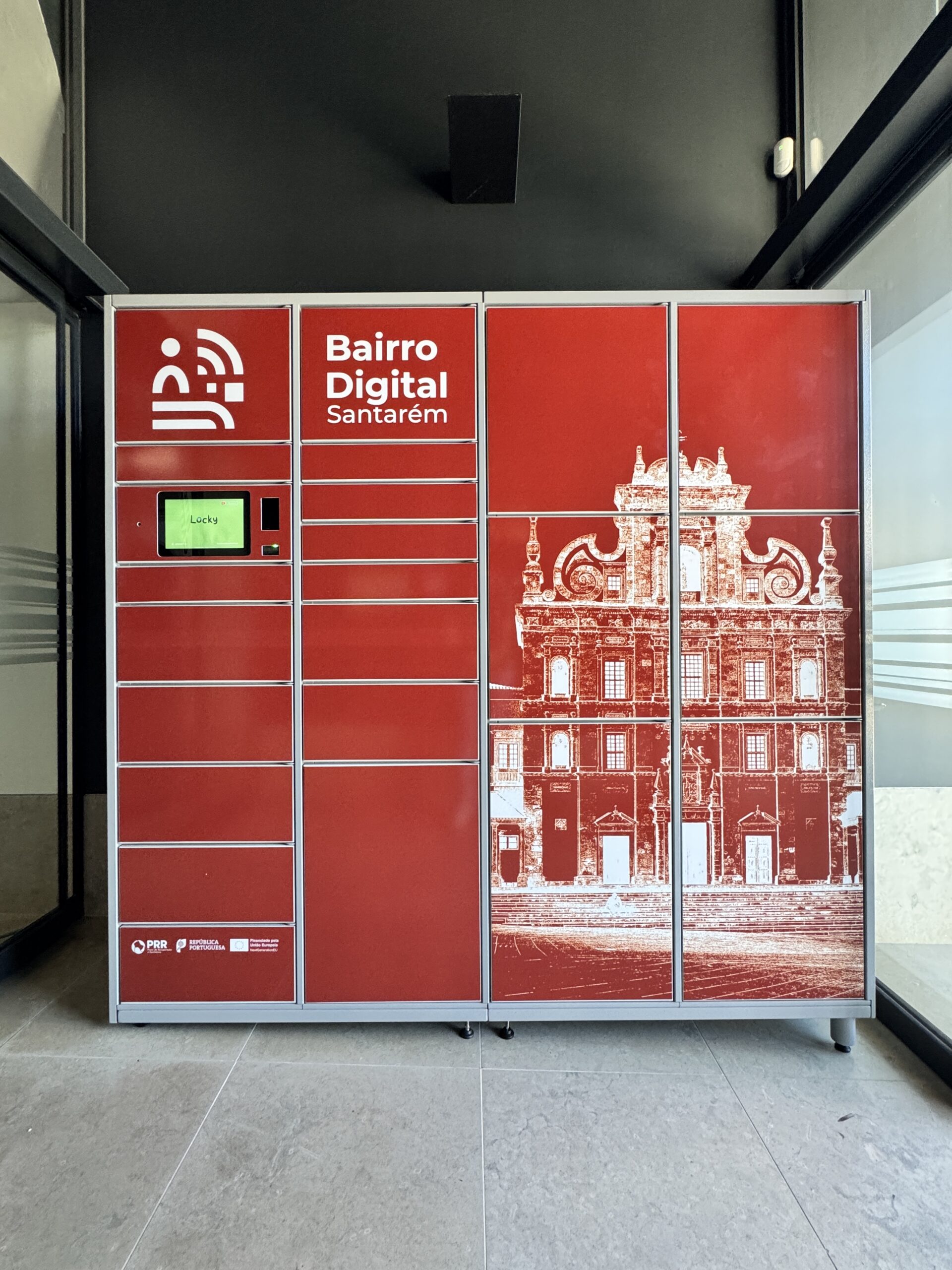
Smart Lockers
Use the generated code to open the corresponding locker.
Index
1
Locker Locations

2
Locker Selection
Choose the delivery to a smart locker option and select your preferred location from the available ones.

3
Access Code or Digital Key
A unique code will be generated and sent via text message, email, or through the Commercial Districts app.

4
Parcel Drop-off
The parcel is placed in the smart locker by the delivery service.

5
Parcel Collection
You will receive a notification once your delivery has been completed.
Atualizado a 29 Jun 2026